
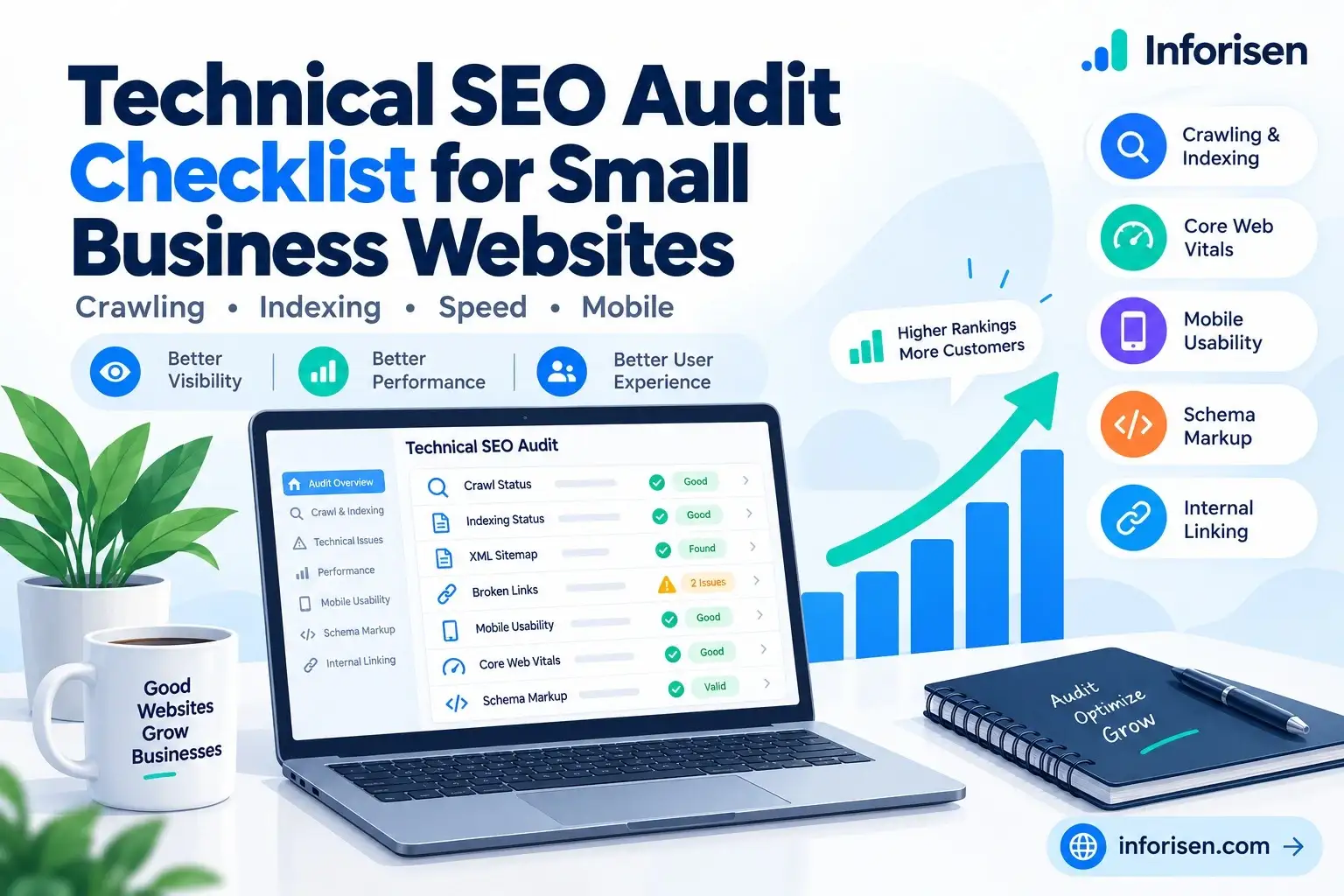
If you have problems with being visible in Google, crawling and indexing, as well as slow page loads, these may be the problem, despite the professional appearance of your website.
Technical SEO Audit Checklist for Small Business Websites is designed to help you discover such problems and find solutions to solve them. You should first check the indexing status, page speed, mobile usability, and broken links of your website. This check may help you improve your website's SEO.
These 10 checks are related to common technical problems, free SEO tools, and solutions that will improve the accessibility of your website both for search engines and users.
What Is a Technical SEO Audit and Why Do Small Businesses Need It?
Technical SEO auditing involves checking how search engines are able to reach, crawl, and index your site. Some examples of issues include broken links, slow-loading web pages, indexing problems, and poor mobile usability.
Small businesses will usually depend on Google to draw in customers. Technical issues on some service pages, product pages, or contact pages could mean that these are hard to be located by prospective customers.
A technical SEO audit can help you:
- Identify any crawling and indexing problems through Google Search Console.
- Identify slow pages and mobile usability issues.
- Correct broken links, redirect problems, and web structure problems.
- Let Googlebot locate relevant pages.
Technical SEO Audit Checklist for Small Business Websites: 10 Essential Checks
The technical SEO audit will assist you in discovering problems with crawling, indexing, site speed, and user experience of your site. The process starts with assessing whether Googlebot is able to access the most significant pages on your site.
Use these 10 steps to diagnose typical SEO problems and solve them.
1. Check Website Crawling and Indexing
Just because your website is online does not mean that every page shows up in Google.
How to Check: Use Google Search Console under Indexing → Pages and check for non-indexed pages. Use URL Inspection to analyze important service/product pages and learn about how web pages get crawled and indexed by Google.
How to Fix: Remove any accidental noindex tags, fix any crawl errors, and add links to important pages. After resolving the problem, request indexing; however, Google cannot promise to do this.
2. Review XML Sitemap and Robots.txt
An XML sitemap helps the search engine understand which pages on the website should be crawled. The robots.txt file contains information regarding which parts the crawler can visit. If settings aren’t correct, Googlebot won’t be able to crawl the pages.
How to Check: Visit yourdomain.com/sitemap.xml and yourdomain.com/robots.txt. Make sure that your important pages are listed in the sitemap, and that no restrictions are applied to them.
How to Fix: Make sure that all your important pages are listed in the sitemap. Submit the new sitemap through Google Search Console.
3. Find and Fix Broken Internal Links
The internal broken links direct users to dead pages. In addition, such links make it hard for your customers to access your services.
How to Test: Use the Screaming Frog SEO Spider tool to test your website for broken links and 404s. Test your homepage, navigation menu, and some pages of your services first.
How to Fix: Redirect broken links to the correct links. For pages that are no longer there, use 301 redirects to the right pages. Delete any unnecessary links.
4. Test Website Speed and Core Web Vitals
Slow website pages can frustrate visitors and discourage them from exploring your services. Google's Core Web Vitals measure loading speed, responsiveness, and visual stability. Understanding how website speed affects search rankings can help you identify important performance issues.
How to Check: Enter your website URL into Google PageSpeed Insights and review these metrics:
- LCP: Main content should load within 2.5 seconds.
- INP: User interactions should respond within 200 milliseconds.
- CLS: Layout shifts should stay at or below 0.1.
How to Fix: Compress large images, remove unnecessary scripts, and improve server response times. Prioritize pages with poor real-user performance.
5. Check Mobile Usability
Most of the customers visiting small business sites from their cell phones will be unable to read the text or use the site’s menus or buttons, thus leaving the website.
How to Test: Test your homepage, services pages, and contact form using your mobile phone.
How to Fix: Ensure that you have a responsive design, resolve any overlapping problems, and make sure your buttons are easy to click.
6. Review Canonical Tags and Duplicate Content
Similar content available through multiple URLs can create duplicate-page issues. Canonical tags help search engines identify the preferred version of a webpage.
How to Check: Open Google Search Console's URL Inspection tool. Compare your declared canonical URL with the one Google selected.
How to Fix: Use consistent canonical tags, update internal links to preferred URLs, and redirect unnecessary duplicate pages when appropriate. Remember that Google may choose a different canonical URL.
7. Check HTTPS and Website Security
A secure website helps protect customer information and builds trust. Visitors may hesitate to submit contact forms or make payments when their browser displays security warnings.
How to Check: Open your website and confirm that it uses HTTPS with a valid SSL certificate. Look for insecure images, scripts, or other resources.
How to Fix: Renew expired SSL certificates, redirect HTTP pages to HTTPS, and update insecure resource URLs. Test your website forms after making changes.
8. Identify Redirect Chains and Server Errors
Redirect chains send visitors through several URLs before reaching a page. Server errors can stop customers and Googlebot from accessing important website content.
How to Check: Use Screaming Frog SEO Spider to identify redirect chains, redirect loops, and HTTP errors such as 404 and 500.
How to Fix: Update internal links to point directly to working URLs. Remove redirect loops and investigate server problems. Use 301 redirects when pages move permanently.
9. Validate Structured Data and Schema Markup
Schema markup provides search engines with structured information about your business and website content. Relevant markup can help search engines understand details such as your business name and services.
How to Check: Use Google's Rich Results Test for supported structured data. Review relevant Schema.org types, including Organization and LocalBusiness.
How to Fix: Correct invalid values, missing required properties, and outdated information. Choose schema types that match your content. Valid markup does not guarantee higher rankings or rich results.
10. Audit Website Structure and Internal Linking
Your important service pages should be easy for customers and search engines to find. Poor navigation and orphan pages can make useful content difficult to discover.
How to Check: Review your homepage menu, categories, breadcrumbs, and internal links. Use a website crawler to identify pages without incoming internal links.
How to Fix: Connect related pages using descriptive anchor text. Link to important services from your homepage and relevant blog posts. Keep website navigation simple so visitors can find the information they need.
Best Free Technical SEO Audit Tools for Small Businesses
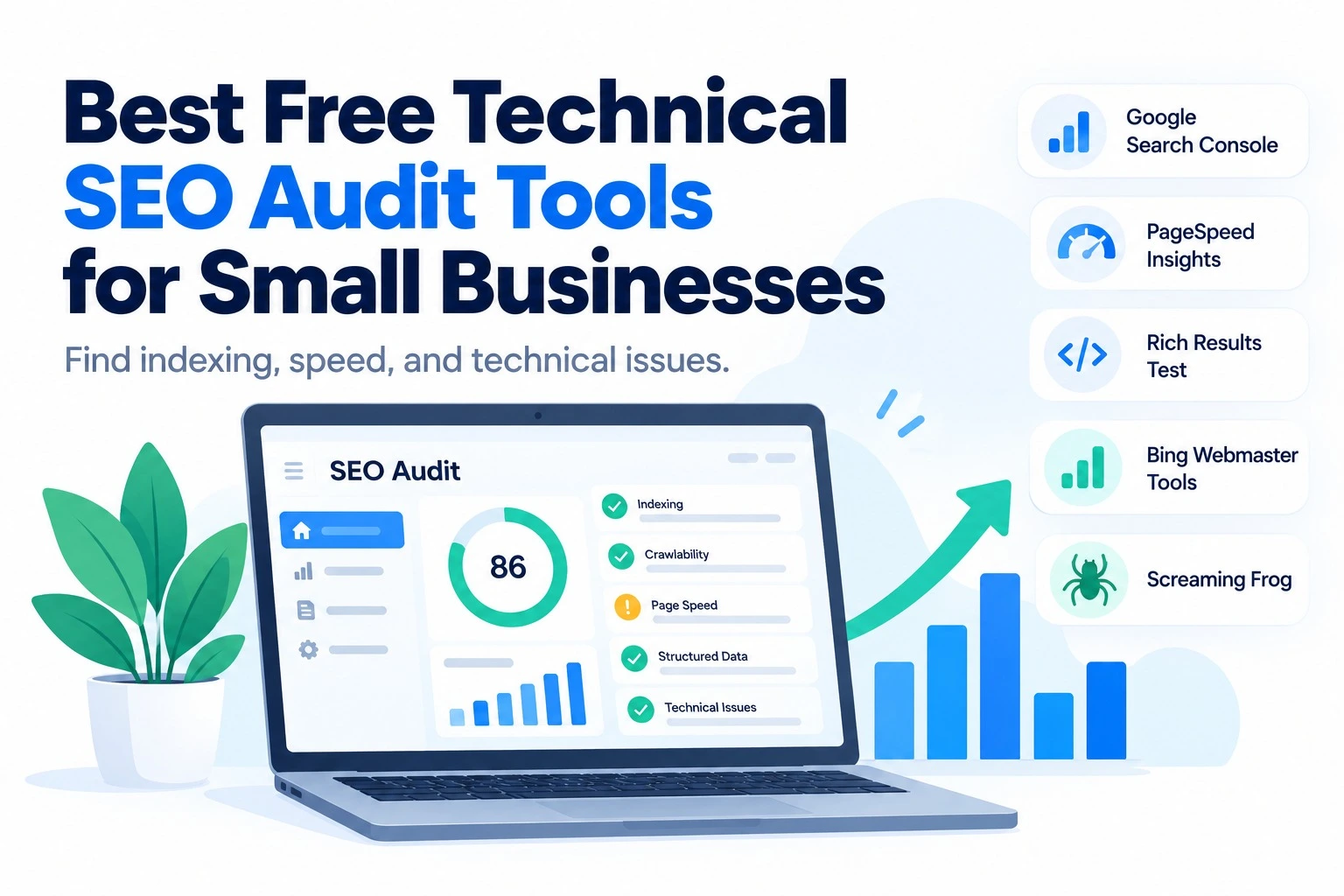
There is no need to spend money on any programs for discovering typical SEO issues. There are some free solutions that will allow you to verify your website indexing, speed, broken links, and structured data.
This may be useful for small business owners who want to determine the state of their website before contacting an SEO expert.
| Tool | What You Can Check |
|---|---|
| Google Search Console | Crawling, indexing errors, sitemap status, and URL inspection |
| Google PageSpeed Insights | Website loading speed and Core Web Vitals |
| Google Rich Results Test | Supported structured data and rich result eligibility |
| Bing Webmaster Tools | Bing indexing, crawling issues, and site health |
| Screaming Frog SEO Spider | Broken links, redirects, duplicate URLs, and technical errors (free version limited to 500 URLs) |
Google Search Console will help you identify any indexing issues. For identifying slow-loading pages, you should use PageSpeed Insights. To identify broken links and other issues related to redirects, Screaming Frog can be used.
This will make your technical SEO audit easy, even if you do not know about SEO at all.
How to Prioritize Technical SEO Issues After an Audit
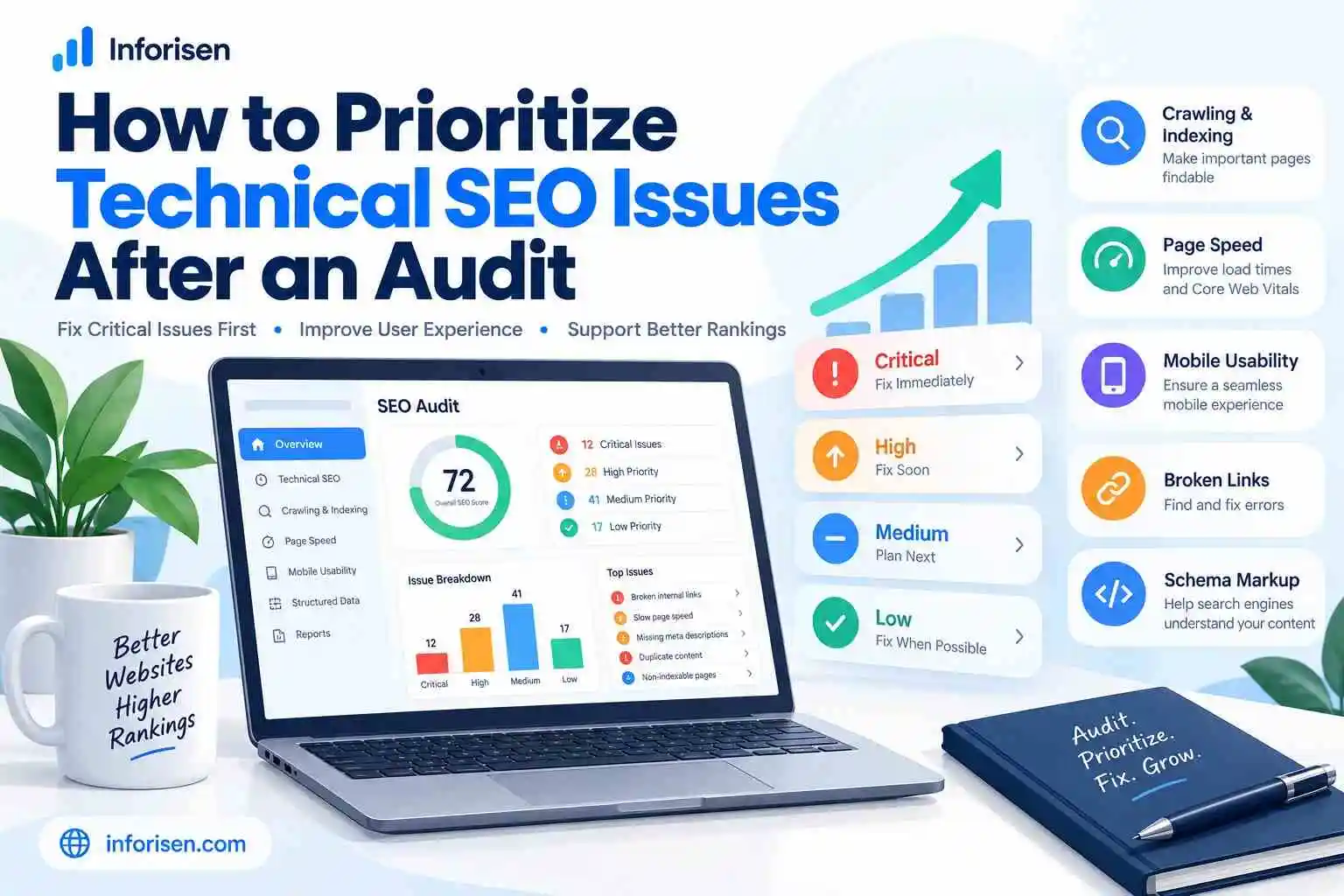
Every technical SEO problem does not necessarily need urgent resolution. Some of them deny search engines access to your website, while others are more of a concern for users.
Firstly, address problems affecting critical service pages, product pages, and contact forms.
| Priority | Example Issues | Recommended Action |
|---|---|---|
| Critical | Important pages blocked or inaccessible | Fix immediately |
| High | Major mobile problems, broken service-page links | Fix next |
| Medium | Unnecessary redirect chains, duplicate URL issues | Schedule improvements |
| Low | Minor technical improvements | Address after essential fixes |
Prepare a list of all issues along with URLs, priority, and required fixes. Delegate the work to your developer or your SEO team.
After fixing the issues, run an audit on those affected pages using the Google Search Console or other appropriate tools and record all changes made.
With this strategy, small businesses can concentrate on making meaningful improvements rather than trying to solve all the little warnings.
How Inforisen Helps Small Businesses Fix Technical SEO Issues
Finding technical SEO issues is just the beginning. Fixing them can be difficult, especially in cases where your website experiences indexing issues, link errors, or performance issues.
Here at Inforisen, we assist small businesses in detecting website issues and making plans for their SEO improvements. Our strategy revolves around analyzing the technical problems, focusing on crucial changes, and optimizing website accessibility.
Professional SEO services at Inforisen include audits, on-page optimization, and improvements to website performance.
It does not matter whether you have a new website or an existing one; we will help you figure out technical issues that should be fixed.
Frequently Asked Questions
What Is Included in a Technical SEO Audit?
A technical SEO audit involves examining areas such as website crawling, indexing, page load times, mobile usability, dead links, redirects, and schema markup.
How Often Should a Small Business Perform an SEO Audit?
Every three to six months is a good place to start. Conduct more audits after any website redesigns, migrations, or major technological changes.
Can I Perform a Technical SEO Audit for Free?
Yes. Use Google Search Console, PageSpeed Insights, and Bing Webmaster Tools to find technical SEO problems without spending on software.
Why Is My Website Not Indexed by Google?
Your pages might contain noindex tags, crawl restrictions, and canonicalization problems. You can use Google Search Console to determine the reason.
Does Technical SEO Help with AI Search Visibility?
Absolutely. It will ensure that your content is accessible and understandable to AI-powered search engines, but it does not ensure its inclusion in AI-driven responses.
How Can Inforisen Help with a Technical SEO Audit?
Inforisen may be able to find crawling, indexing, and performance problems on your site, and advise you on SEO fixes.
Final Thoughts
Technical SEO Audit Checklist for Small Business Websites will allow you to find crawling errors, indexing issues, slow webpages, broken links, and mobile usability errors. Being informed about what needs fixing is the first step towards improving your site.
The first step that you need to do is identifying the reasons why Google and your customers cannot access the necessary pages. The use of free SEO tools will help you solve the issue and check the website later on.
Conducting technical SEO audit periodically will improve website performance and SEO. In order to perform complex tasks, you can turn to Inforisen.